
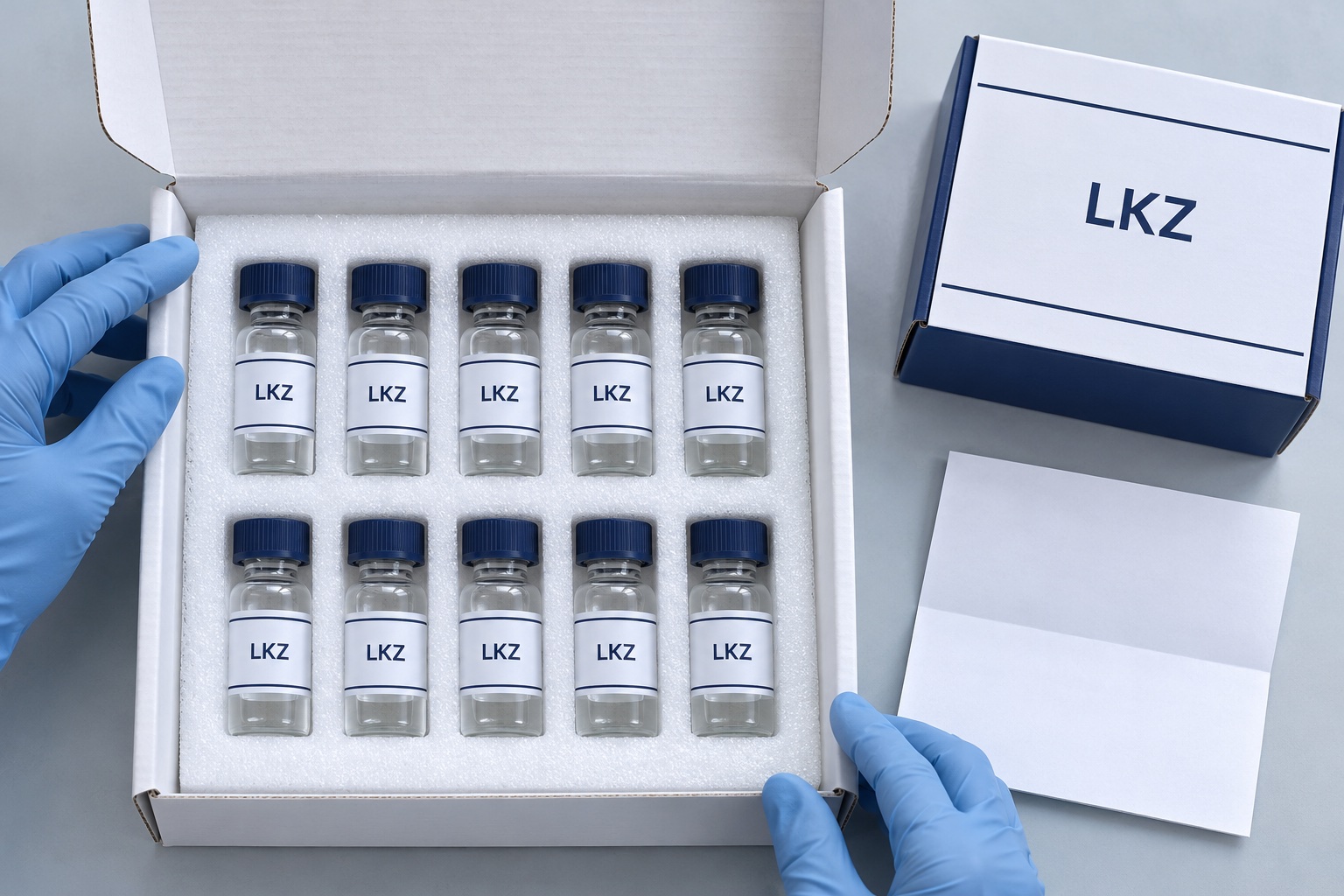
A useful shipment update connects the order reference, warehouse, dispatch information and carrier tracking number.
Before dispatch
Confirm the product specification, warehouse route and dispatch arrangements with LKZ. Ask the team for available packing and parcel photographs. Keep customer address details out of public images.
After handover
Use the tracking number provided by LKZ to open the carrier record through the Track order page. A shipping label does not establish carrier collection; check the carrier scan and its date.
Photos and questions
Contact LKZ directly with your order reference for dispatch photos or help with an update. The website links to external tracking; it does not provide automatic shipment emails or a private photo dashboard.